To view your main subscription details and activation status including any extra devices (Connections), please do the following steps:
1- Login to your online account at CLICK HERE
2- Navigate to the Main Menu >> Select Services >> My Services.
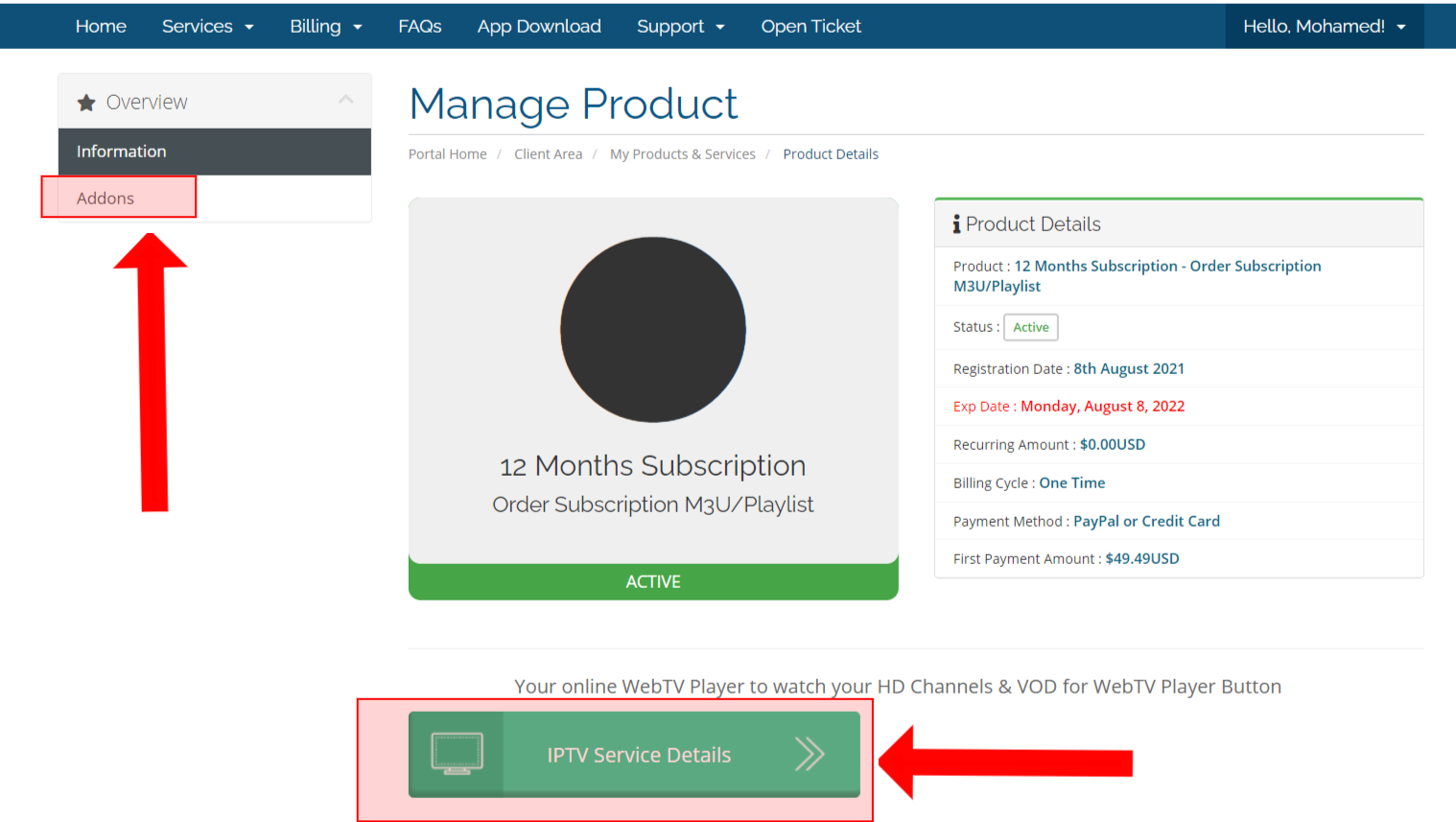
3- To view your main subscription details >> Select or Click on current Active Subscription.
4- To view your additional devices like the extra (Device or connection) >> Go to the top left Menu >> Click or Select on Addons.
See the image below for more details: