Roku App Installation & Setup Guide:
Currently, a few Apps are available on Roku devices; they are third-party Apps, and you can use them.
We recommend using this App: IPTV Player
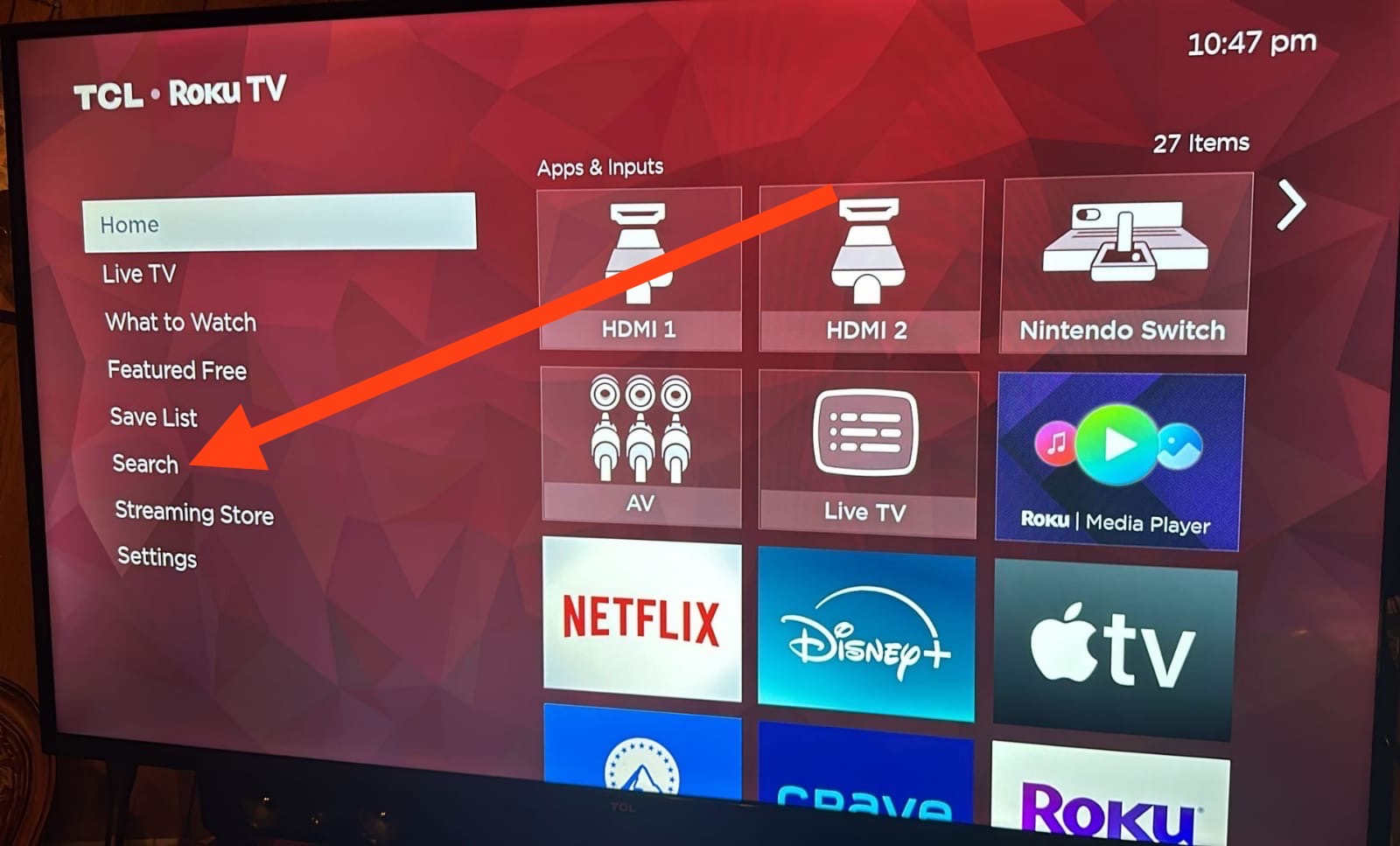
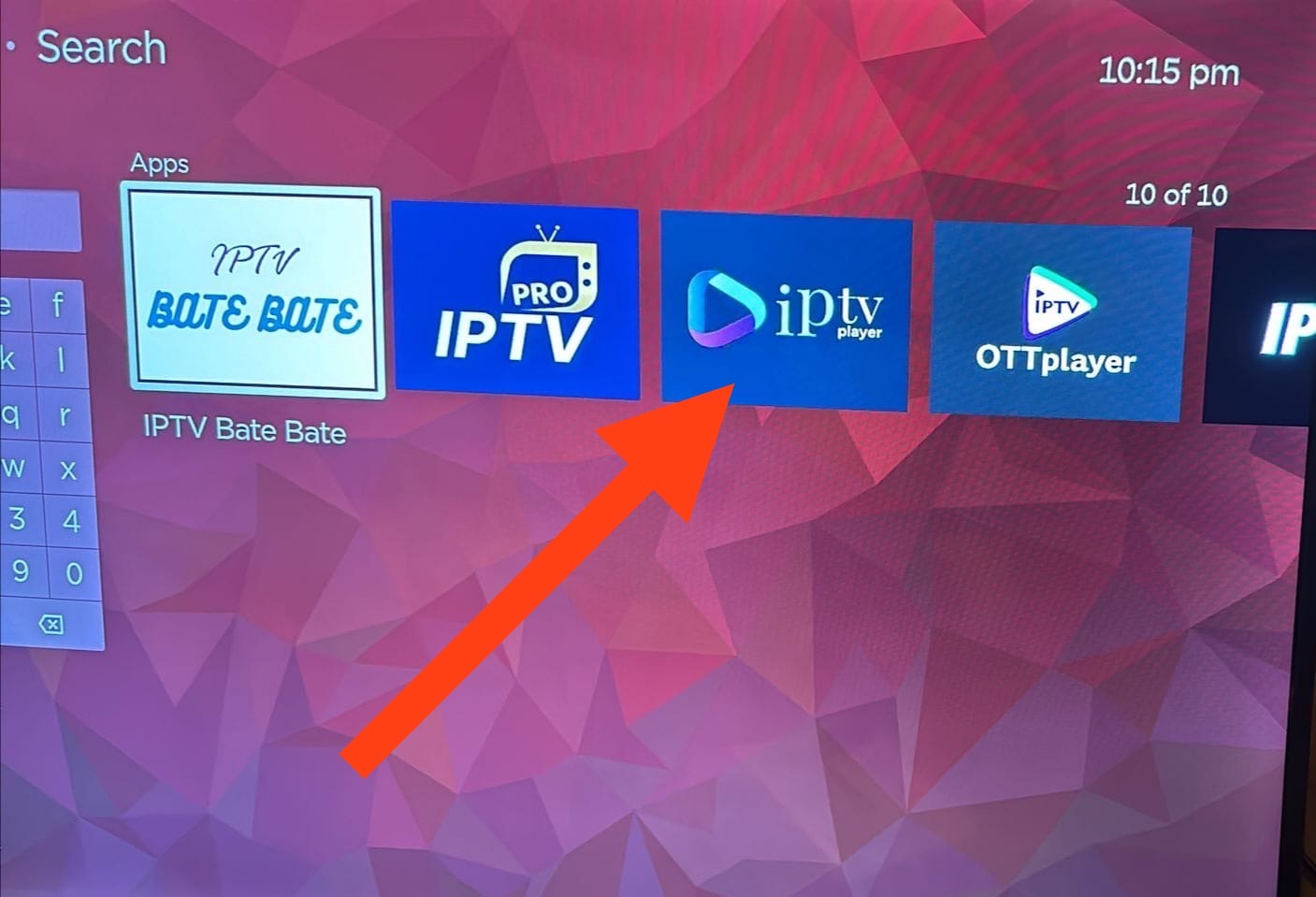
Go to the Apps section and search for: IPTV. then select IPTV Player app. (See the below images):
Manual Installation Method for IPTV Smarters Player App:
1- First, please download the installation setup guide from this link: https://bit.ly/V2Rokusetup
2- Download Roku channel ZIP file from this link: https://bit.ly/V2roku2020
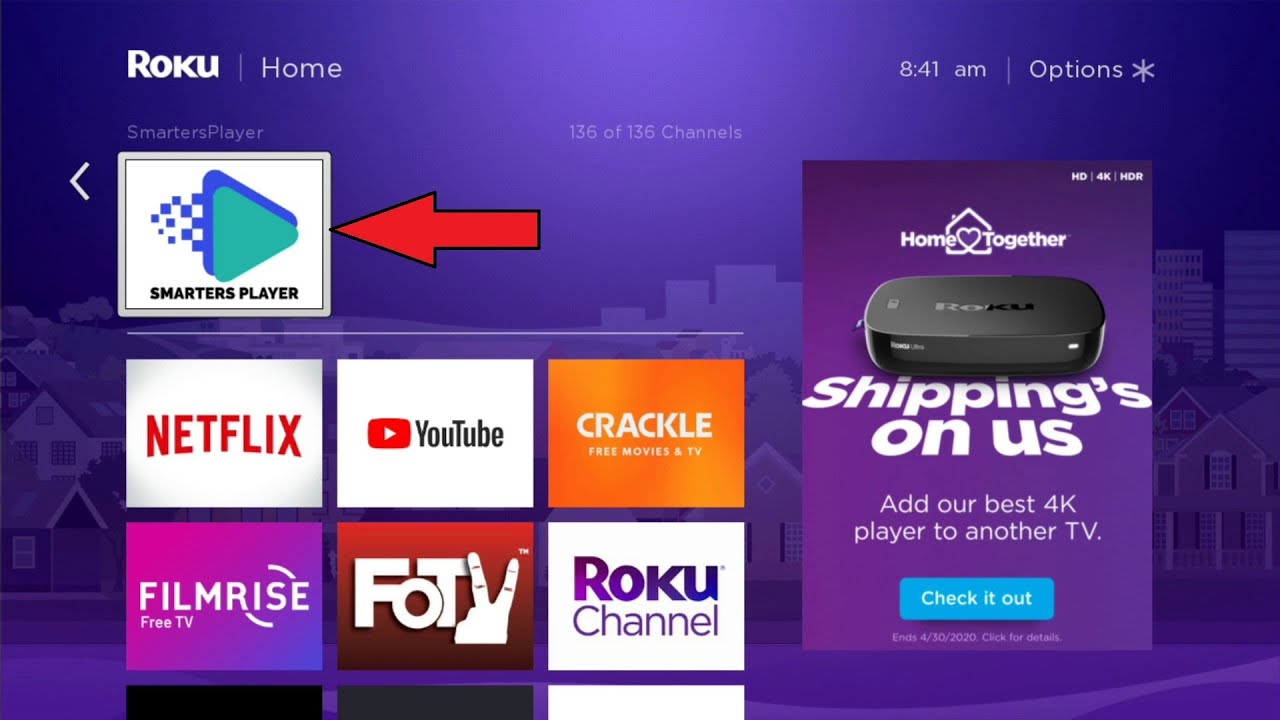
3- After you complete the setup, please wait for some time >> then go to Roku device home page >> IPTV Smarters Pro (dev), the app should be added there, and you should see the below screen:
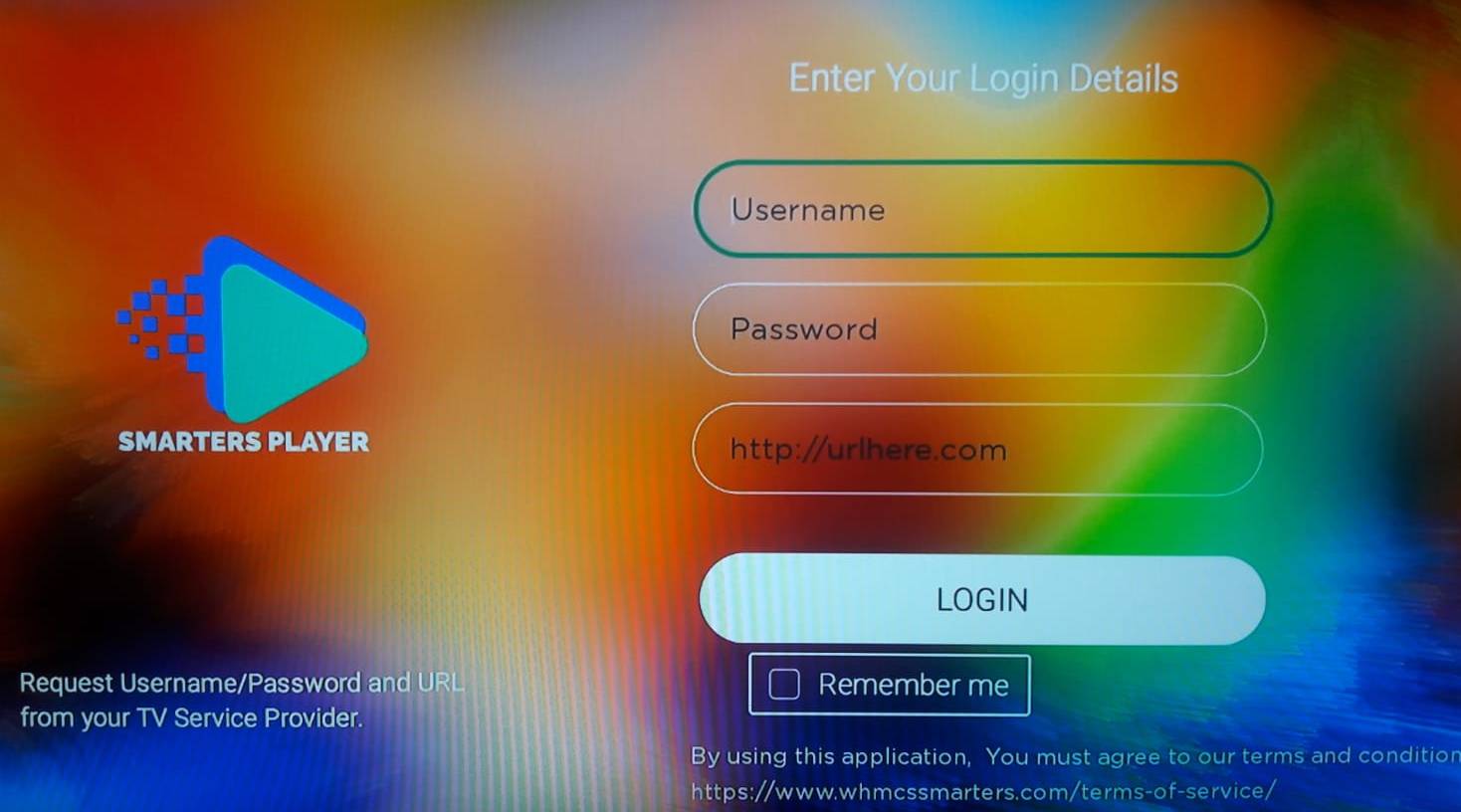
4- Open Smarters Player app, then enter your login details as showing below:
If you placed the order with us, please check your email (Also, please check your email junk or spam inbox folder)
- Username: (If you subscribed with us, please check your email)
- Password: (If you subscribed with us, please check your email)
- URL: (If you subscribed with us, please check your email)